Editor's note: This piece was originally published in October 2025 and updated in November 2026 to reflect the latest industry news and benchmark data.
In Thomson Reuters’ 2026 AI in Professional Services Report, 49% of legal professionals who use generative AI reported using it to draft contracts.
For in-house legal teams looking to automate drafting, contract drafting software is the step up from gen AI. It runs on the same large language models (LLMs), but grounds them in attorney-built legal content and your own playbooks.
That way, the draft reflects your positions and keeps the confidentiality and data protection that legal work demands.
In this guide, we walk you through what contract drafting software is, how it works, and which tools we’d recommend for 2027.
Contract drafting software is a tool that helps legal and business teams create, standardize, and refine contracts faster than drafting from scratch.
Before AI-powered drafting tools became commonplace, in-house teams manually drafted contracts based on precedent. A lawyer kept a folder of past agreements, copied the closest match, and reworked it clause by clause.
Clause libraries and document-assembly tools added structure, but none could read a finished draft or catch an error.
In 2026, lawyers have plenty of AI-powered tools to aid with drafting—and adoption only keeps growing.
LegalOn's 2026 State of AI for In-House Legal survey of 452 professionals found that 52% of teams already use or are evaluating AI for contract review and redlining.
For general counsel handling hundreds of contracts a year, adopting AI contract drafting software isn’t a question of if, but when and how.
Yes, most modern contract drafting tools also read and analyze agreements.
Very rarely is contract drafting offered as a standalone point solution. Contract drafting tools are often included as part of a contract lifecycle management (CLM) platform or a legal AI platform, both of which help with reading and analyzing documents.
Two examples are Sirion and LegalOn. Sirion is an enterprise CLM that offers contract drafting within a full suite of CLM tools. LegalOn is a legal AI platform and CLM alternative that offers AI contract review, matter management, and legal AI assistance for drafting clauses and agreements.
You could potentially use a quick contract generator, such as Lumin AgreementGen, but a tool that helps with one contract at a time is useful only on a case-by-case basis and doesn’t retain team knowledge or base positions on your playbooks. These tools, however, are beneficial for one-time casual users.
Whatever your primary use case may be, we recommend looking for contract drafting software that’s part of a larger platform that handles your whole contracting workflow. Ideally, creating and analyzing a contract happens in the same place and with the same playbooks.
→ Related Article: AI for Contracts: The Best AI Contract Review Software in 2026
In-house legal teams can use ChatGPT and Claude for contract drafting, but that should only be the first step before scaling up to a dedicated contracting drafting tool.
In general, assistants like Claude and ChatGPT can produce a serviceable first draft and speed up early thinking, especially if you’re careful with prompting.
Here is what they handle well:
Here is where they fall short:
For internal documents, that trade-off can be fine. For agreements you will sign and defend, one missed liability cap or overlooked auto-renewal can cost far more than a year of software fees.
→ Related Article: When to Trust Legal AI: How Task Complexity Impacts Accuracy
AI contract drafting tools intake a request, apply your playbooks, generate a draft, flag risks in the counterparty’s edits, and help you finalize before signature.
Drafting begins with a request or a starting document. The business submits a request through email or an intake assistant; you upload a counterparty's paper; or you start from an approved template.
Good tools capture the key commercial terms up front, such as deal type, counterparty, and contract value where it applies.
→ Related Article: Legal Intake Software for In-House Legal Teams: Best Tools, Ranked
The best contract drafting software either comes with pre-built contract playbooks or stores your own, then loads the positions, fallback language, and risk thresholds your team has agreed on.
This step is what makes AI-powered contract drafting worth the investment for most in-house legal teams. The model works against your standards rather than improvising them every time. The better your playbooks, the closer the first draft lands to language you would actually sign.
The tool drafts an entire agreement, or individual clauses and sections, from your precedents or templates, then fills in deal-specific terms.
You get a working draft in minutes instead of hours, then keep refining it, with each version saved. The tool can also generate a single clause on demand, such as a fallback indemnity or a limitation-of-liability cap.
Many AI contract drafting tools work inside a legal AI assistant, where drafting happens in a conversational chat window within Word or on the web.
→ Related Article: Legal AI Assistants: The Best Software for In-House Legal Teams
Once a draft comes back from the other side, the software shifts from drafting to review. It flags off-market or missing terms against your playbook, then proposes redlines.
The best tools show these as tracked changes you can accept, reject, or adjust, so you keep control of every clause. Many also rank issues by severity, which tells you where to spend attention on a long agreement.
Standalone agreement generators usually don’t help with this step.
Most contract drafting software lets your whole team collaborate on the draft, and business users can, join too. From there, if it’s part of a CLM or a broader legal AI platform, the draft moves on to signature workflows or a contract repository for permanent storage.
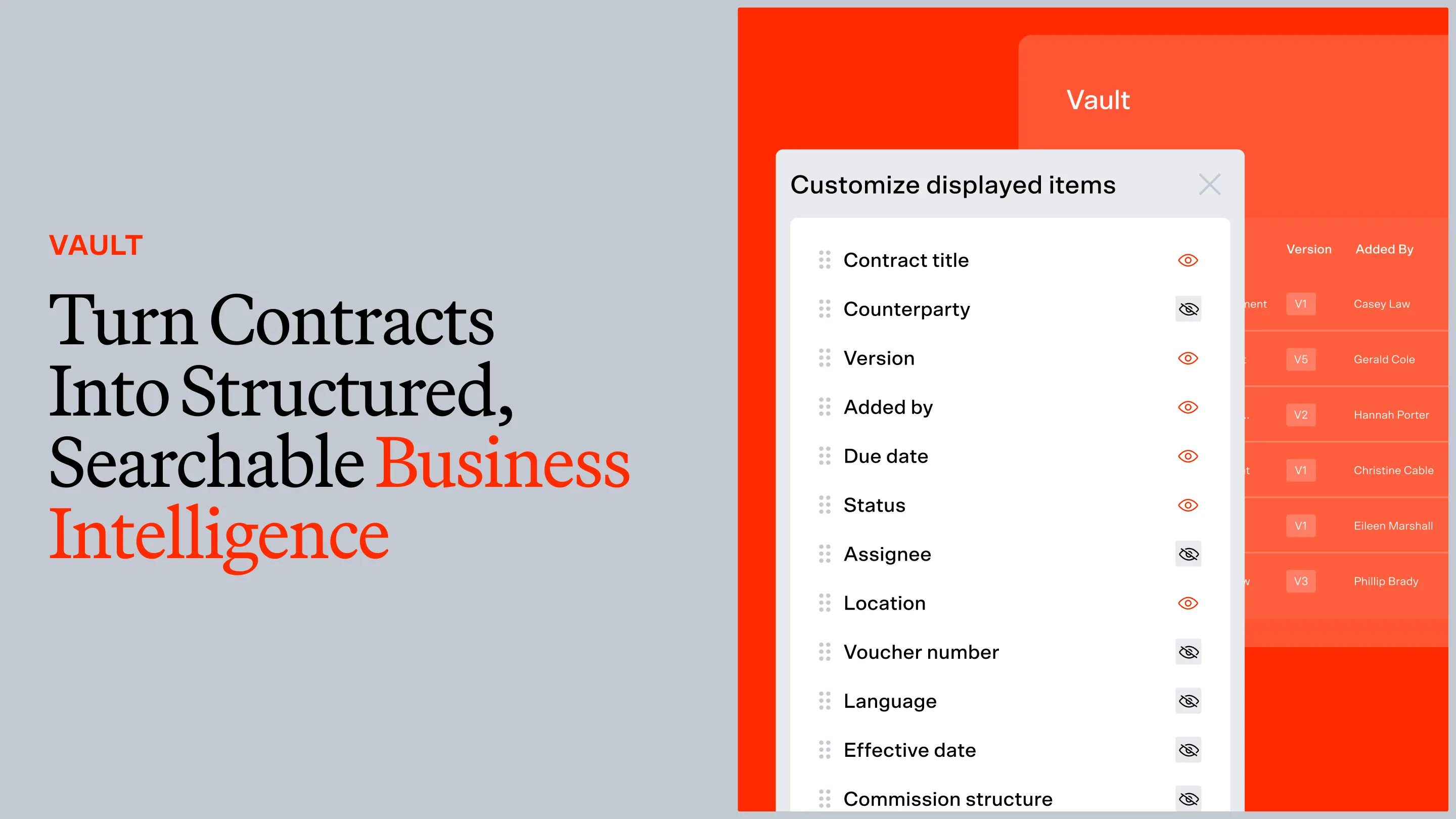
→ Related Article: Introducing Vault: The Post-Signature Blind Spot Ends Here
The best contract drafting software in 2027 includes LegalOn for playbook-based AI drafting and analysis, Spellbook for market benchmarking, LexisNexis for research-grounded drafting, and Summize for self-service contract creation by business users.
All recommendations are for in-house legal teams.
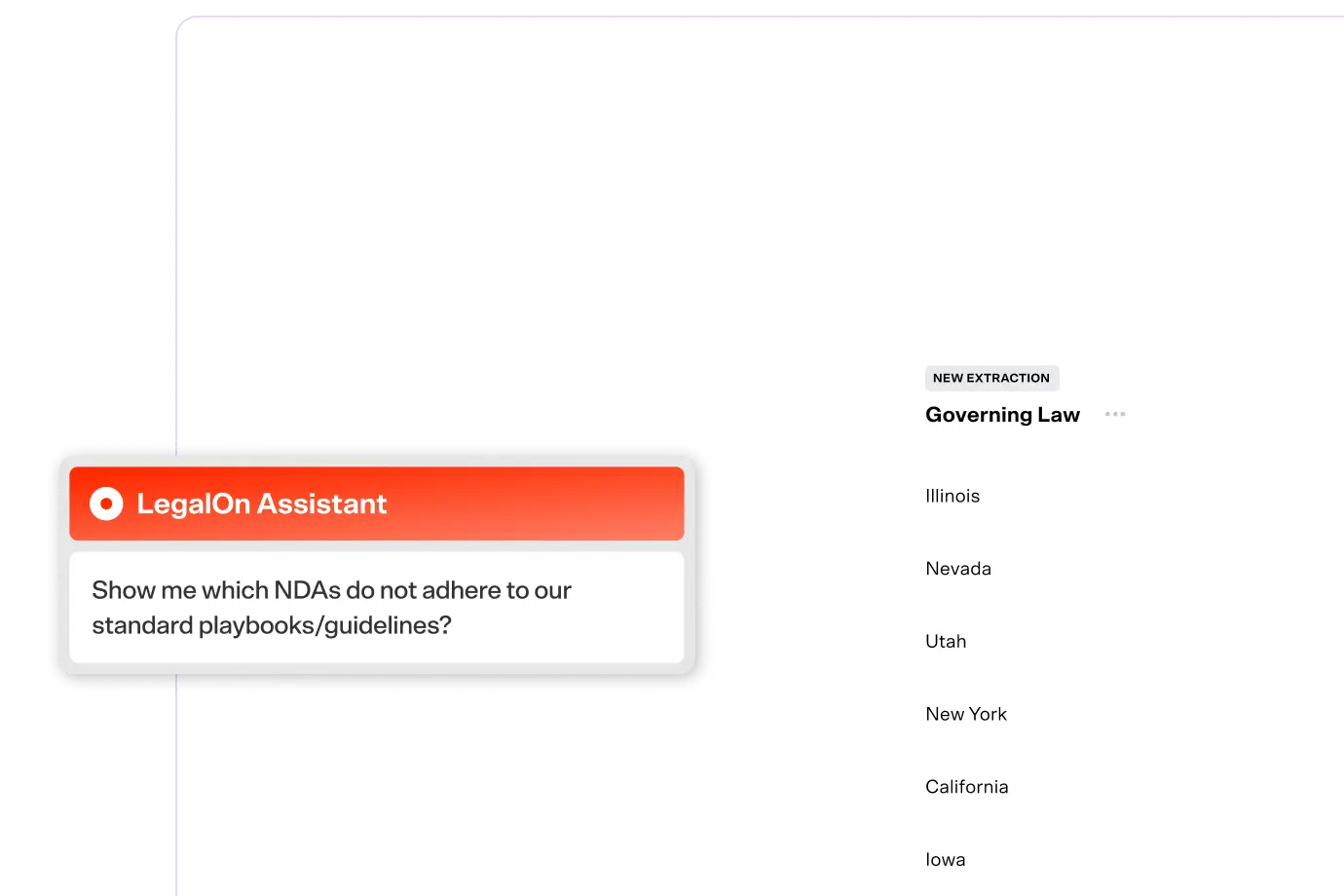
LegalOn is the legal AI platform for the full legal workday, with contract drafting built into LegalOn Assistant. The Assistant is an always-on co-pilot that works inside the contract you’re drafting, in Microsoft Word or the browser.
Ask it to draft a fallback clause, generate language for a specific deal type or counterparty, rewrite a provision to match your position, or summarize key terms. Every answer draws on your precedents and playbooks, so the output reflects positions your team has already approved.
Built-in skills handle the work around a draft, too: generate an issue list, pull obligations, or look up a defined term in one click.
LegalOn’s drafting is natively connected to LegalOn Review, which flags risks and generates precise redlines across first- and third-party contracts, guided by 135+ playbooks and 10,000+ pre-built legal issues. Because drafting and review share those playbooks, what you draft and what you redline are held to one standard.
Like every tool we recommend, LegalOn runs your whole contracting workflow, but it installs lighter than a CLM or an enterprise legal operating system.
Most teams are productive on Day 1. Your data stays protected, with SOC 2 Type II certification and no model training on your contracts.
Cons
Spellbook is a contract drafting suite that lives inside Microsoft Word. Its Draft feature builds clauses or whole documents, with auto-complete and rewrite support.
We recommend it because of its Market feature, which compares the terms you are drafting against market-standard data, allowing you to see whether a position is aggressive, standard, or soft before you send it.
That makes Spellbook a strong fit for transactional and small-firm lawyers producing first-party paper.
LexisNexis ties drafting to authoritative legal content, which appeals to teams that want work they can verify and defend. Its Protégé Agentic Drafting turns a prompt into review-ready contract language grounded in LexisNexis content, and Lexis Create+ brings that drafting into Microsoft Word and Outlook.
Lexis+ with Protégé is a broad legal platform rather than a contract-only tool, so drafting sits alongside legal research, litigation, and analysis in one environment. We recommend it especially for in-house teams already running on Lexis, so their drafting draws on the same trusted content they rely on for research.
Summize is a full CLM platform purpose-built for in-house legal teams. Its standout feature is self-service contract creation. Business users and other teams can generate standard agreements from pre-approved templates and workflows, inside the tools they already use. That takes routine drafting off your team’s hands.
That drafting sits within a broader lifecycle covering intake, AI redlining, and a searchable repository, with Summize Intelligent Agents handling review and Q&A. Because it is a CLM, it is a heavier adoption than a drafting-only tool, and its value grows with company-wide use.
Three more tools didn’t make our top four but earn an honorable mention:
DocJuris is a legal platform focused on cross-functional negotiation across legal, sales, and procurement. However, it carries more features and a heavier implementation than a lean team needs.
Sirion is a contract lifecycle management platform that allows you to pull data from integrated tools as you create contracts. This feature is powerful, but it also comes with the full CLM implementation overhead.
ContractWorks offers contract drafting in a lean platform, and is an appealing option for teams who want transparent pricing. However, its contract drafting feature is included in its highest tier, which comes in at $1,195 per month (prepaid annually).
When shopping for AI contract drafting software, look for playbooks, Word-native drafting, precedent-based clause generation, and risk flagging and redlining.
For most legal teams, a full platform beats a standalone point solution, since it also brings a repository, integrations, and security controls.
Look for standards written and maintained by lawyers. Pre-built playbooks also get your team moving on day one instead of after weeks of configuration.
The ability to draft, redline, and finalize inside Microsoft Word is essential. Most lawyers work in Word, so this keeps everyone in the tool they already use.
Clauses should be generated from your own precedent. Look for a tool that draws on your past agreements and approved language, so each new clause starts from what your team has already negotiated and signed.
Off-market and missing terms should surface as you write, ideally with a severity ranking. That way, your team knows where to focus on a long agreement.
When a draft is sent back from a counterparty, the tool should propose redlines that reflect your standards. They should show up as tracked changes with strong legal reasoning behind them.
Drafting improves when you can search your whole library to see how past agreements handled a given issue, then reuse that language. Look for a tool with a searchable repository built in, so prior work is always a query away.
The tool should connect to the rest of your stack (Word, Outlook, e-signature, and your repository if one isn’t built in), so drafting stays inside the workflows you already use. The more friction here, the harder the tool is to adopt.
Contracts are among your most sensitive and confidential documents. Look for contract drafting software with SOC 2 Type II certification, encryption, and role-based access at a minimum. The vendor should never train its models on your contracts.
No matter which tool you choose, every generated clause and suggestion should stay reviewable, and an attorney should sign off on the final language. Avoid tools that produce a finished draft with no reasoning and no suggested edits.
Contract drafting tools give in-house lawyers time back, keep your positions consistent, and bring work back in-house.
Drafting from approved language, rather than rebuilding each agreement by hand, saves hours of work. That allows your team to respond more quickly to the business and shorten matter cycle times.
In LegalOn's 2026 State of AI for In-House Legal survey, 67% of teams said AI helps them respond faster to the business, and 79% reported less time on routine legal tasks. With a faster first draft, you can move deals forward instead of leaving them in the legal queue.
In a strong contract drafting tool, pre-built or uploaded playbooks apply your standards to every draft, so a senior counsel and a contract manager produce the same output. That consistency closes the gaps where risk tends to slip in.
Playbooks also cut the manual errors that creep in when someone copies an old agreement. And if the tool flags risk as you draft, you catch missing terms before anything goes out.
In the ACC and Everlaw 2025 GenAI survey, 78% of in-house teams saw an opportunity to insource drafting with the help of gen AI tools, and 73% have already seen benefits in terms of drafting efficiency.
AI gives teams the capacity to handle more of the drafting work themselves and spend less on outside counsel. But many teams struggle to prove the impact of AI tools, especially ones that require thousands of dollars in investment.
Set a baseline for the hours your team spends drafting, then track time saved and cycle times in your matter management system so the gains are visible to your CLO and CFO.
→ Related Article: Best Legal Matter Management Software for In-House Teams
Like any legal AI tool, contract drafting software comes with challenges: hallucinations, data privacy concerns, and integration difficulties. Here’s how to handle each.
Contract drafting software has moved from template and clause assembly to attorney-grade AI that drafts and redlines against your standards. For in-house teams, the best of it keeps every draft close to your playbooks and gives you hours back.
LegalOn Assistant turns your requirements into draft language and fallback clauses right in Word, while LegalOn Review flags risks and redlines against 135+ playbooks. Together they make drafting and review repeatable instead of a bottleneck, so your team spends its time on the work that needs their judgment.
Try LegalOn’s AI assistant to draft your next contract. Book a Demo.